



$1,285,000
2418 Alder Lane, Sacramento
4 beds | 3 baths | 2,640 sq ft
Sample listing. Information deemed reliable but not guaranteed. Equal Housing Opportunity.
How it works
Paste the link. Build the kit. Review and post. Everything else, from the brand to the license numbers, is already in place because the brokerage set it up once.
Sample listing, agent and brokerages. The photos were generated with AI for this page.
Paste the link to a listing page. AgentBlitz asks you to confirm you have the rights to the photos and records that confirmation, then fills in the address, price, facts, description and photos for you to review. Sites that block automated reading are flagged; you upload photos you may use and type the details instead. You can also add a listing by hand or import a spreadsheet of listings.
One click creates a square post, a portrait post and a story for the listing's stage, a print-ready flyer, three caption options and an email draft, with a short video on Pro. Every piece carries the brokerage brand and the agent's name, photo, phone and license. The listing website is ready at the same time, with its QR code.
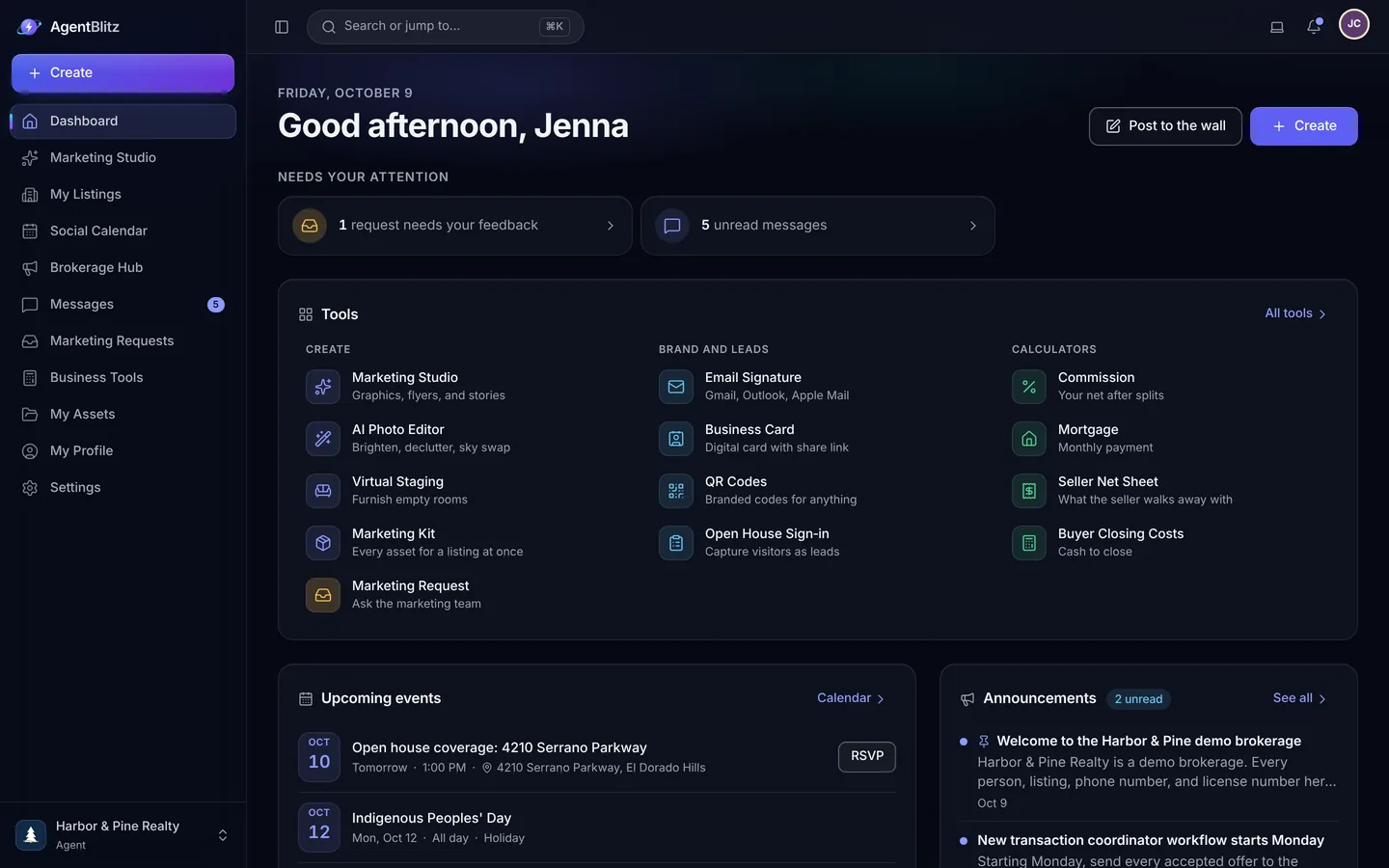
Open any piece in the editor to fine-tune it. If the brokerage asks for approval on this kind of design, send it for review. Then download the pieces, or the whole kit as a zip, and post from your own accounts. AgentBlitz never posts for you and never asks for social media passwords.
Try it, no signup
Type an address and the sample flyer, post, story, caption and email fill in as you type. It runs in your browser with our sample photos; your real kit uses your own photos, brand and license.
$1,285,000
2418 Alder Lane, Sacramento
4 beds | 3 baths
Just listed $1,285,000
2418 Alder Lane
4 beds | 3 baths
Maya Ellison, DRE #00000000
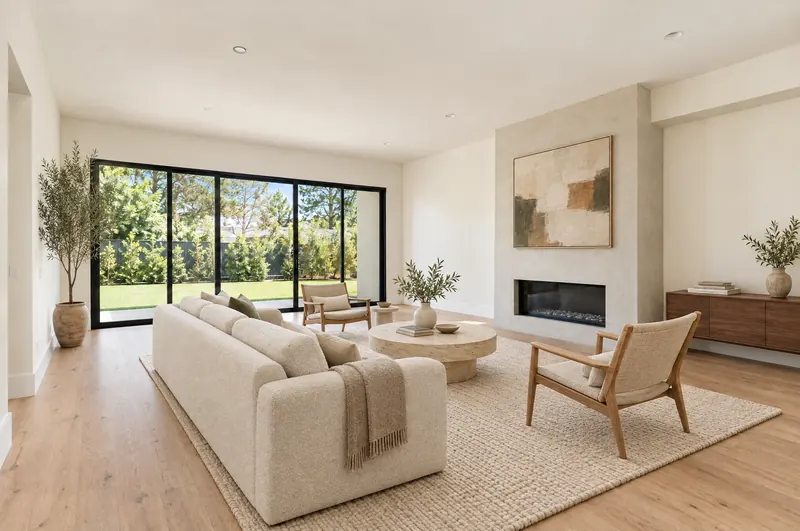
Just listed
2418 Alder Lane
4 beds | 3 baths
$1,285,000
CaptionSample
Just listed: 2418 Alder Lane. 4 bedrooms and 3 baths, offered at $1,285,000. Message me for a private tour.
Email draftSample
Subject: Just listed: 2418 Alder Lane
Hi Jordan, I just listed 2418 Alder Lane, Sacramento: 4 bedrooms and 3 baths, offered at $1,285,000. Reply and I will set up a private showing.
Five steps from sign-up to the first kit. Most brokerages finish the first three on day one; agents fill their profiles as they accept their invitations.
Create the account, name the brokerage, add the office and the broker of record with their license. This is the one record every design, signature and website will read from.
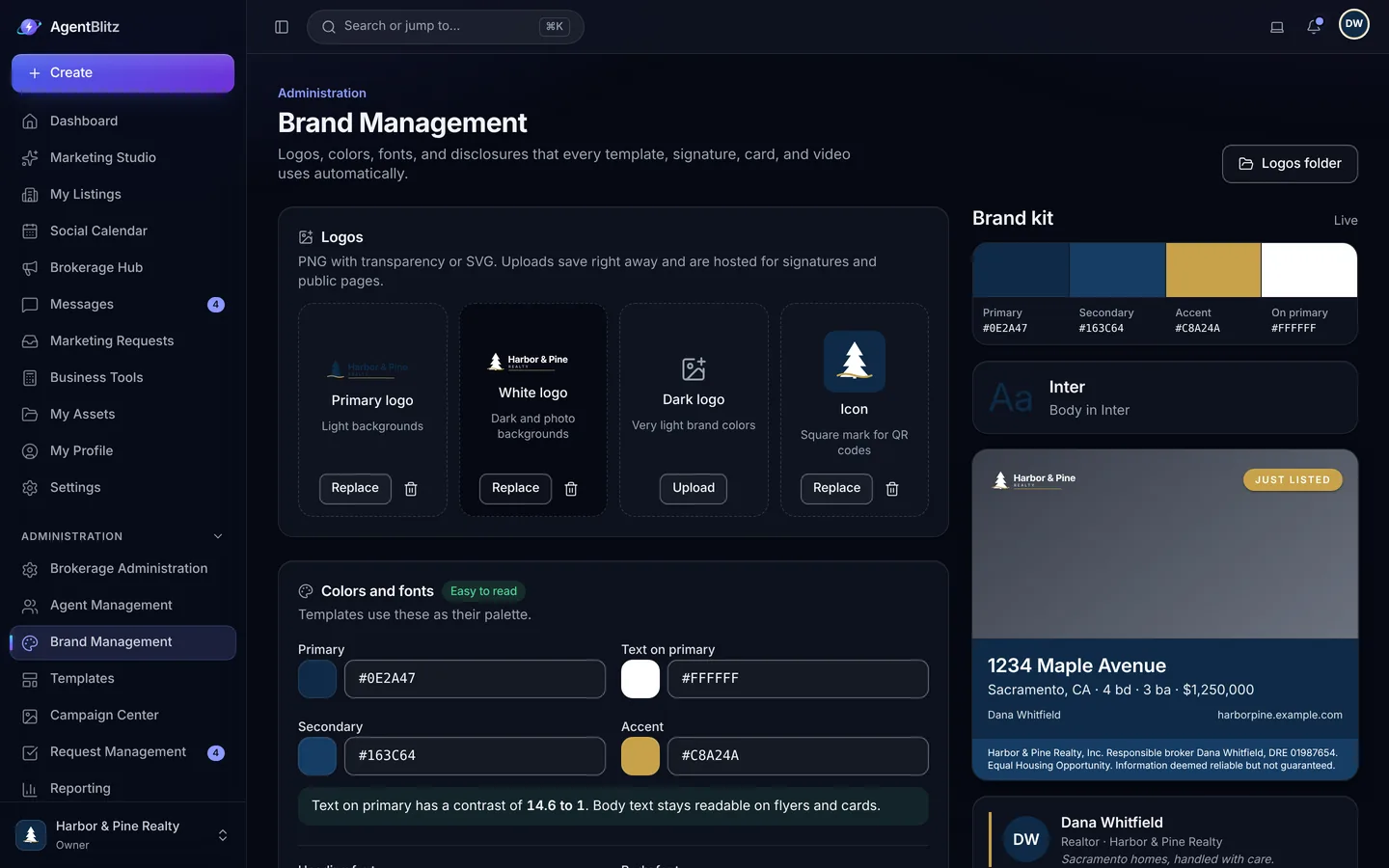
Paste your website address and AgentBlitz pulls the logo and colors it finds. Add logos for dark and photo backgrounds, choose fonts, paste your disclosures, and check the live preview on real layouts.
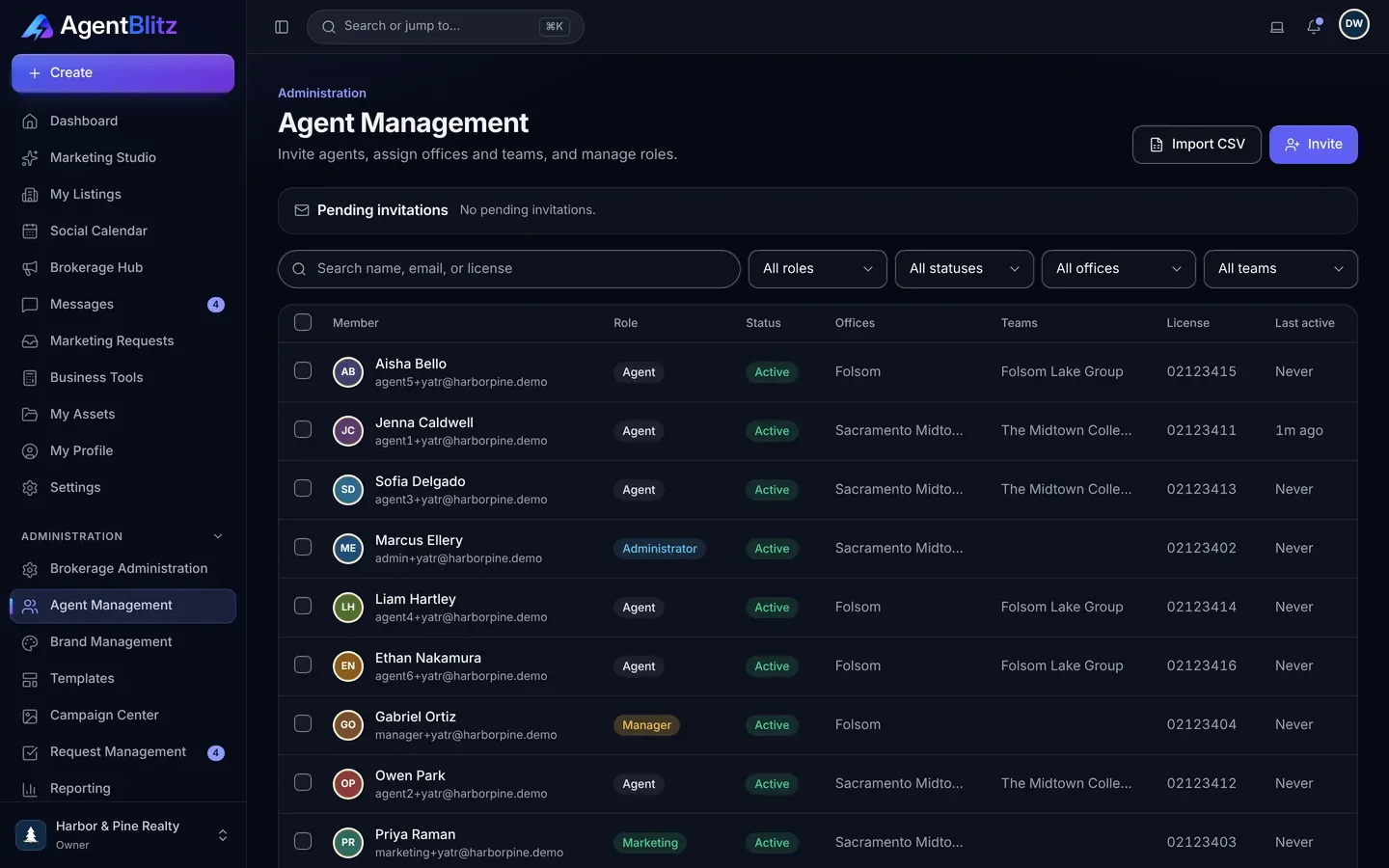
Paste a list of email addresses or import a spreadsheet with names, offices and teams. Each agent gets an invitation; staff accounts for admins and assistants are free.
Each agent pastes the address of a page about them, and Magic Fill drafts the headshot, title, bio, license, service areas and links for them to confirm. The bio goes through the Fair Housing wording check.
Paste a listing link, confirm the photo rights, and build the kit: posts, stories, a flyer, captions, an email and the listing website, all in your brand with the agent's details on them.
Yes. Paste the link to a listing page, confirm that you have the rights to use its photos, and AgentBlitz fills in the address, details and photos for you to review. Your confirmation is recorded with the import.
Some sites, including many large listing portals, do not allow automated reading of their pages. When that happens AgentBlitz tells you, and you can upload photos you have permission to use and type the details instead. You can also add listings by hand or import a spreadsheet.
No. AgentBlitz creates the graphics, captions and videos. You or your agents download them and post from your own accounts.
Nobody hands AgentBlitz their social media passwords, and your accounts stay fully under your control.
Yes. One sign-in can hold memberships in several brokerages, and the brokerage switcher keeps each one's brand, files and conversations separate.

Set up your brokerage, invite your agents and launch your next listing today.
14 days free on Core. No credit card required.