Marketing requests and approvals
Every request in one queue.
Agents ask for custom work with a clear brief. Your marketing team assigns it, attaches drafts, collects feedback and delivers, with internal notes agents never see.
Available on Pro and Enterprise. 14 days free on Core, no credit card required.
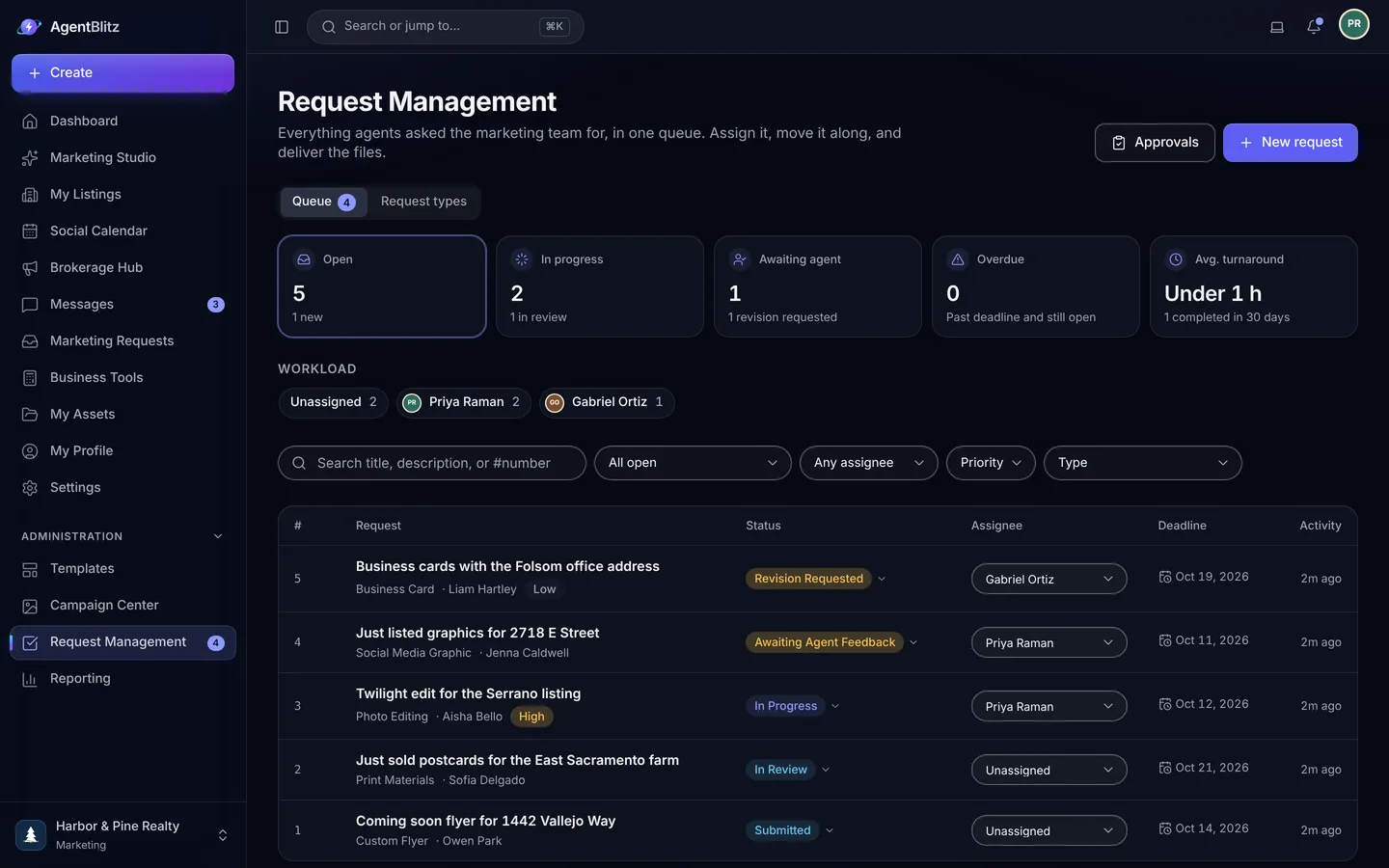
Every request in one queue.
Open, unassigned, due soon and waiting on the agent, at a glance. Workload by assignee shows who has room, and turnaround targets show what is slipping before it slips.
- Request types and form fields you define
- Assignment, priority, deadlines and turnaround targets
- Workload by assignee
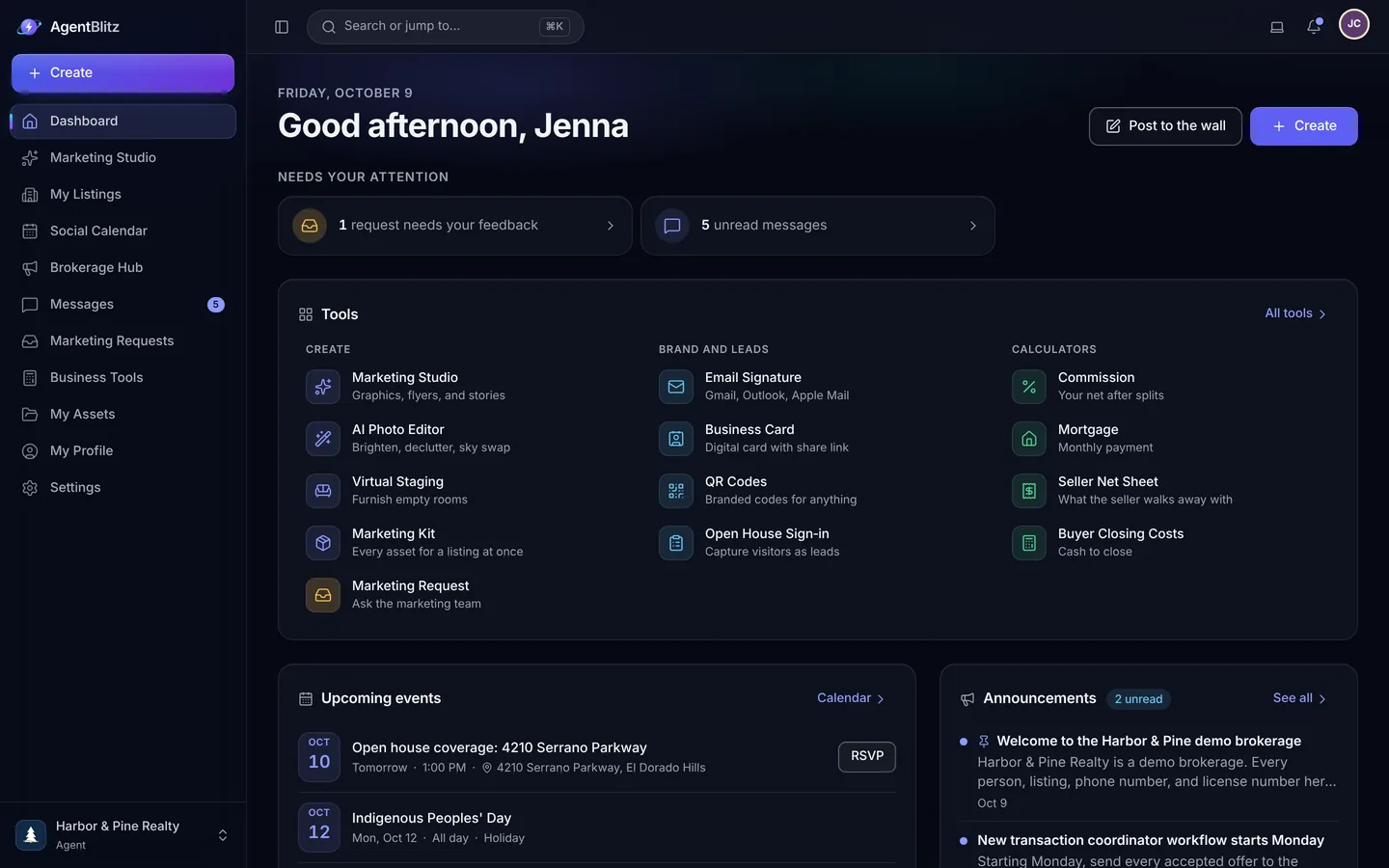
Briefs that arrive complete.
Draft with AI turns an agent's notes into a structured brief, and helps the team write replies. Drafts attach to the request, feedback stays threaded, and internal notes never reach the agent.
- Draft with AI for briefs and replies
- Drafts, revisions and feedback on the request
- Internal notes for the team only
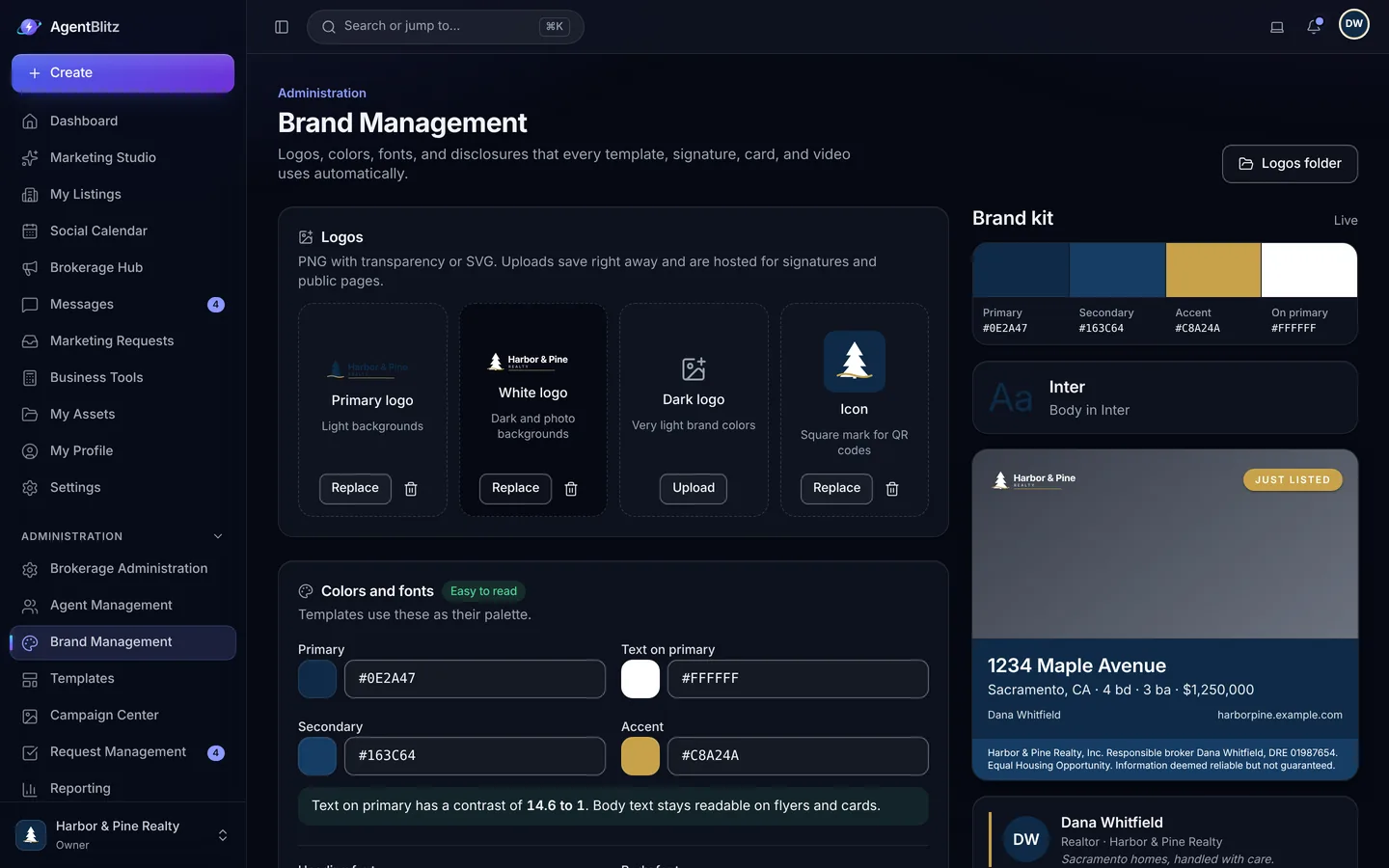
Approvals before anything leaves.
Set rules for which designs and posts need review, such as custom material or anything from a new agent. Approvers see the design, leave a note, and approve or send it back.
- Rules by template category and role
- Approve, request changes or decline, with notes
- Exports wait until the approval is in
Request to delivery.
-
An agent asks
Agents pick a request type your team defined, fill in the brief and attach what they have. Draft with AI turns a few notes into a complete brief.
-
The team assigns and delivers
Each request has an owner, a priority, a deadline and a turnaround target. Drafts, feedback and internal notes stay on the request.
-
Approvals close the loop
Approval rules route designs and posts that need review to the right person before they can be exported.
Related
Questions, answered.
Which plan includes requests and approvals?
Marketing requests and approvals are on Pro and Enterprise.
Can agents see internal notes?
No. Internal notes are visible to the marketing team only. Agents see the request, its status, the drafts and the replies addressed to them.
What does Draft with AI write?
A brief from an agent's notes, and replies from the marketing team. Everything it writes goes through the Fair Housing wording check before anyone sees it.

Give every agent a marketing team.
Set up your brokerage, invite your agents and launch your next listing today.
14 days free on Core. No credit card required.