



$1,285,000
2418 Alder Lane, Sacramento
4 beds | 3 baths | 2,640 sq ft
Sample listing. Information deemed reliable but not guaranteed. Equal Housing Opportunity.
For brokerages
Agents stay where the tools are. AgentBlitz hands each one a launch kit for every listing, a Photo Studio, a website and the everyday tools, inside rules you set once: your brand kit, your disclosures, your license requirements and your approvals.
14 days free on Core. No credit card required. Staff seats are free on every plan.
Title: Give every agent a marketing team. Give every listing a launch. A short walkthrough of AgentBlitz, the AI back office for real estate brokerages.
Closing: Start a 14-day free trial of Core. No credit card required.
Brokerages compete for agents on splits, culture and tools. AgentBlitz is the tools part: the marketing an agent would otherwise pay a designer for, made inside the rules the brokerage sets.
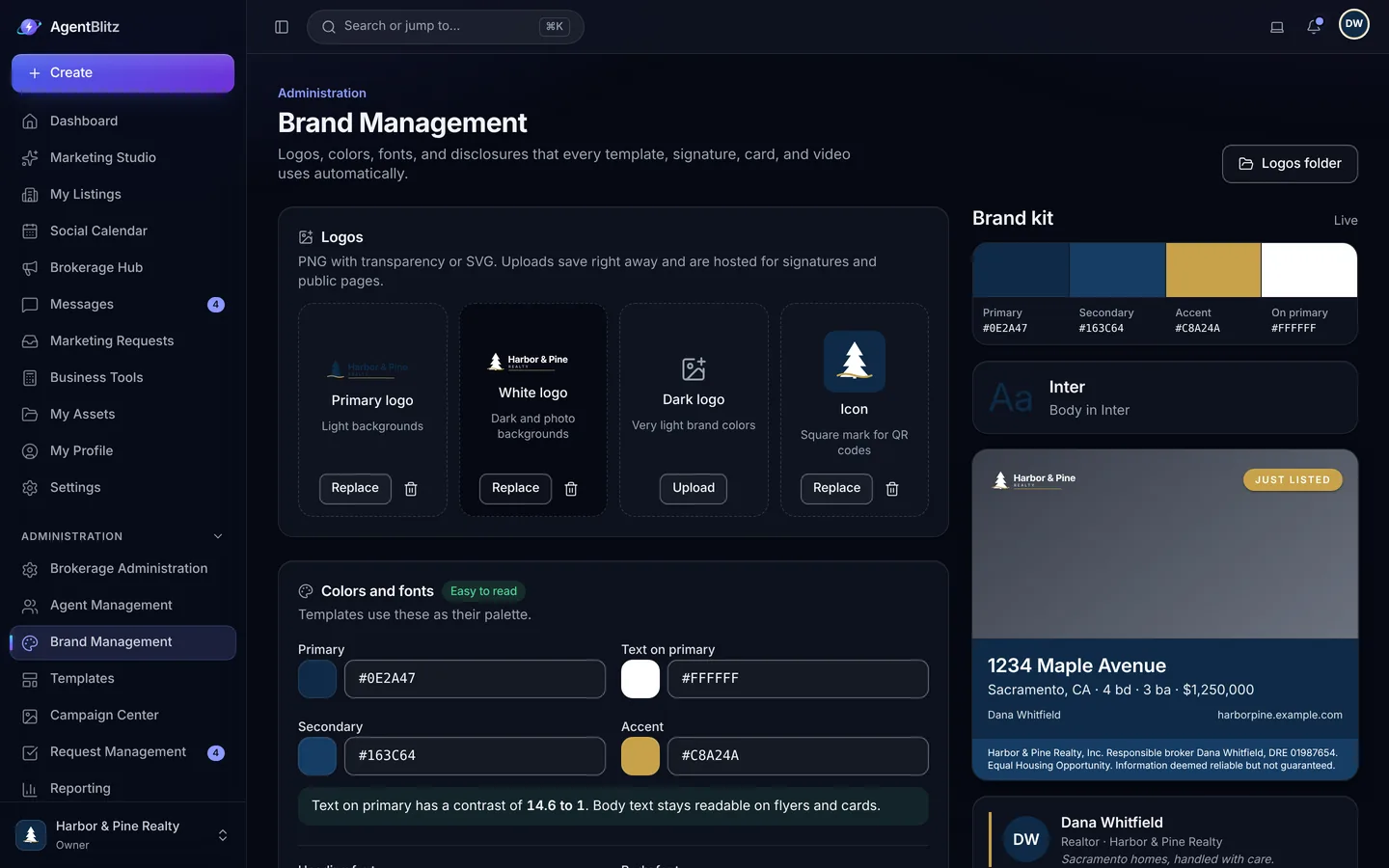
Upload the logo for light, dark and photo backgrounds, pick colors and fonts, paste your disclosures. Change the brand once and every design, signature, card, video and website re-prints. The live preview shows the brand on real layouts before you save.
Paste a listing link and the launch kit comes out already branded: posts, stories, a print flyer, captions, an email and the listing website, with each agent's name, photo and license already on them. Switch the brand and watch the whole kit re-print.
Sample listing, agent and brokerages. The photos were generated with AI for this page.
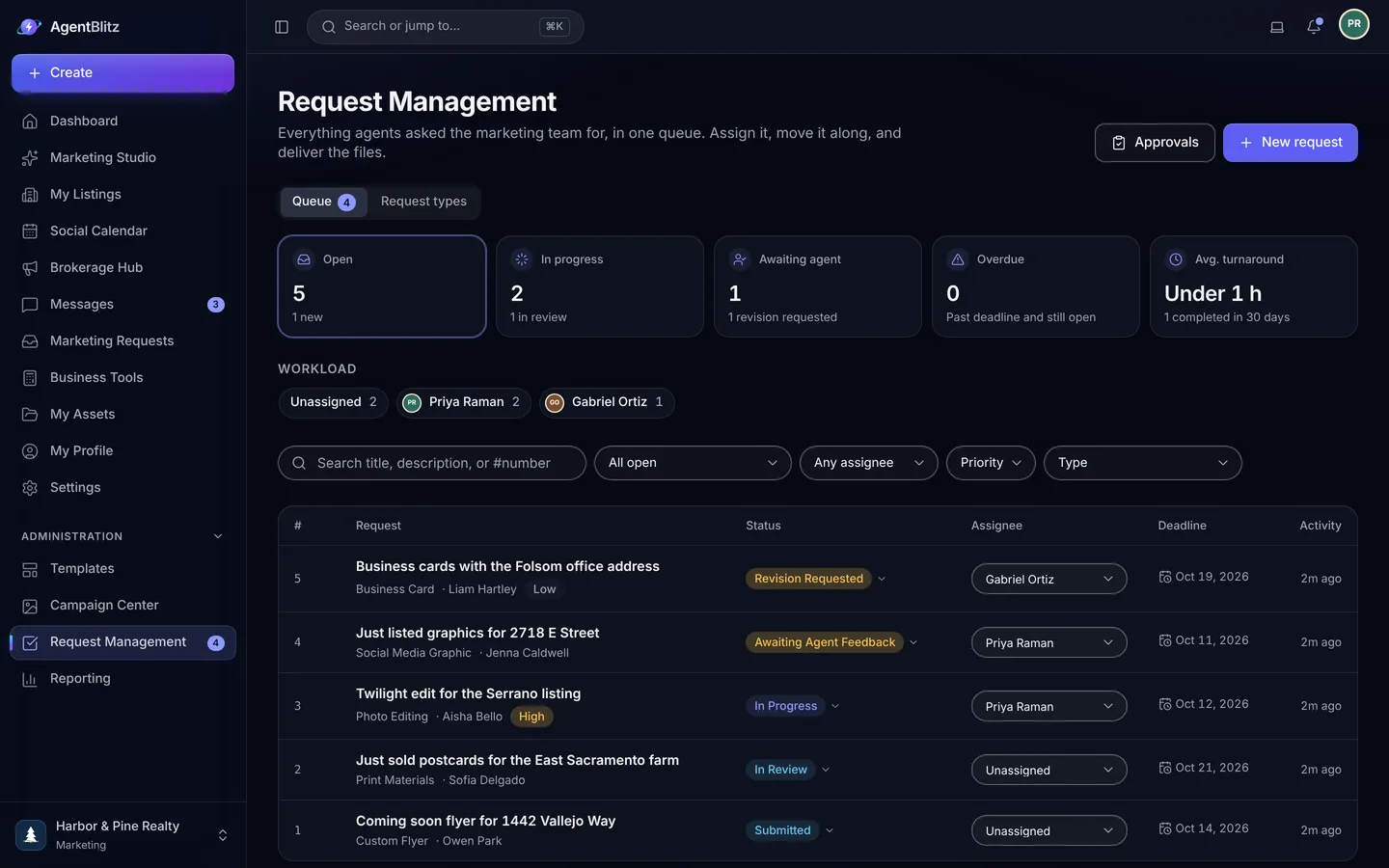
On Pro, agents send briefs for custom work through one queue. Your marketing team assigns, sets deadlines and turnaround targets, keeps internal notes agents never see, and approves or sends back the designs your rules flag before they can be exported.
More about marketing requests or the page for marketing teams
The brokerage disclosure, with the responsible broker's name and license, and each agent's license number are locked elements on every design, signature, listing website and agent website. Turn on the license requirement and a design that shows an agent's license cannot be exported until that agent has a license number on their profile. Text is checked for Fair Housing wording as it is written and again before it is exported or published: wording that states a preference or a limitation is blocked, and borderline wording needs the agent to confirm they checked it. Photos changed by the AI tools carry a Digitally altered label with a link or QR code to the originals.
These are guardrails, not legal advice. The wording checks catch common problems, not every one, and they do not make an ad lawful on their own: your brokerage remains responsible for following your MLS rules and state law. More about compliance


Tell a recruit exactly what they get: a launch kit for every listing, AI photo fixes, a personal website at their own address, a signature, a digital card and open house sign-in, all live the day they join. Recruiting posts, career night invitations and a careers cover are in the template library, and bulk invites from a spreadsheet get a new office onboarded in one sitting.


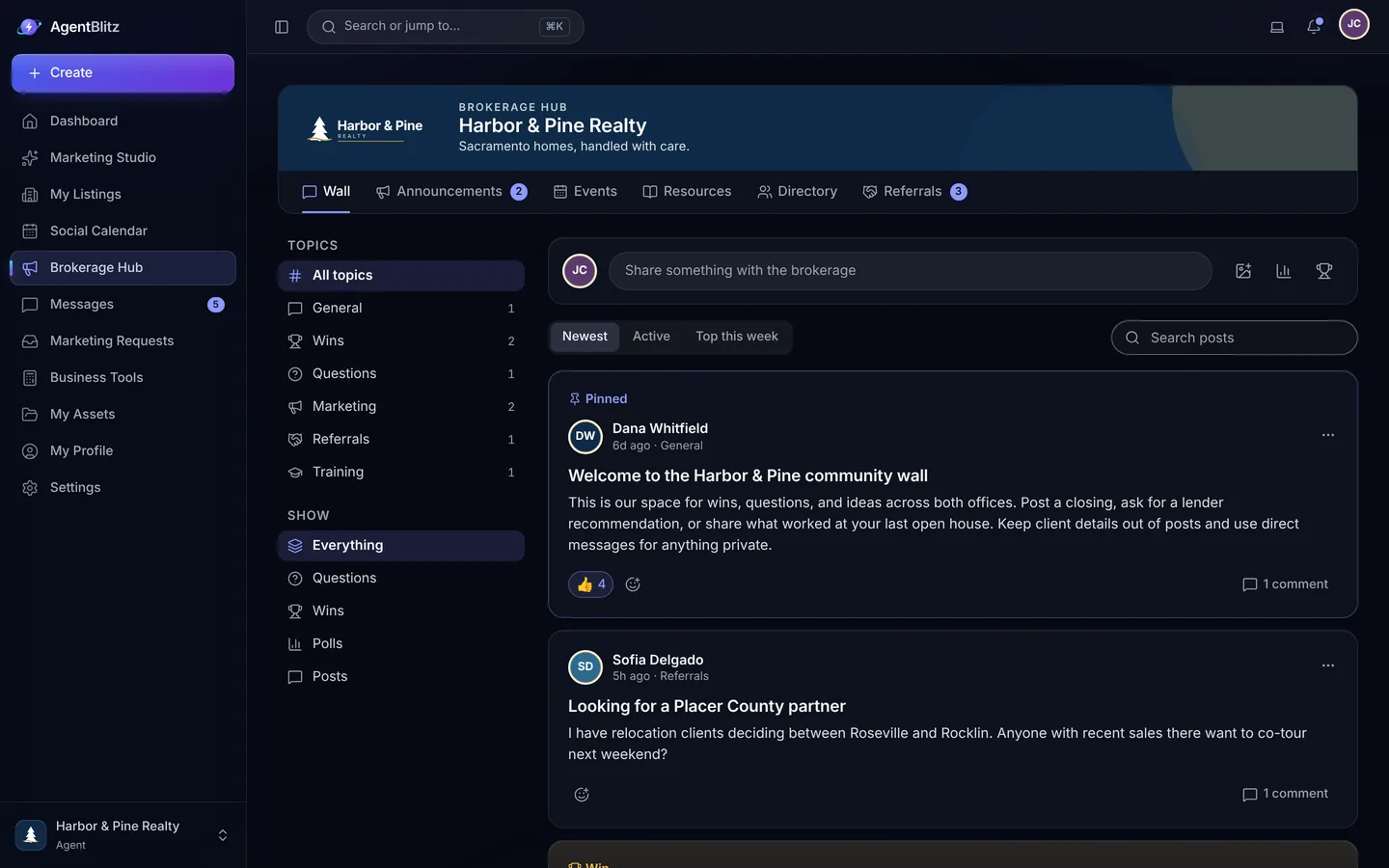
A brokerage calendar with holidays filled in and subscribe links for Google, Apple and Outlook. Announcements that reach the right offices and teams, a resource library, a directory, a referral board, a moderated community wall and team chat that already knows your org chart.
Name the brokerage, add the office and the broker of record, then paste your website address and AgentBlitz pulls the logo and colors. Add your disclosures once.
Paste a list of email addresses or import a spreadsheet with names, offices and teams. Staff accounts for admins, assistants and coordinators are free.
Each agent fills a profile with Magic Fill, pastes a listing link, and the kit, the listing website and the signature come out in your brand with their license on them.
Every brokerage starts with a 14-day free trial of Core, no credit card required. Core covers marketing and the back office for one office. Pro adds video, Campaign Center, requests and approvals, reporting, custom templates, unlimited offices and custom domains. Enterprise adds volume pricing and guided onboarding for 75 or more agents.
Prices are in US dollars per active agent, before any applicable tax. Minimum 5 agents on Core and 10 on Pro. Added agents are prorated; removed agents come off at your next renewal.
You pay for each active agent in your brokerage, with a minimum of 5 agents on Core and 10 on Pro. Staff accounts for admins, assistants and transaction coordinators are free; they can use the hub, chat, directory and business tools but not the design or AI tools.
The seat count follows your roster automatically. Agents you add during a billing period are prorated on your next invoice, and agents you remove come off at your next renewal.
Create an account, set up your brokerage, and you get 14 days of the Core plan with AI credits to try the photo tools. No credit card is needed, and the trial never turns into a paid plan on its own.
Choose a plan from Billing in your brokerage settings before the trial ends. If you do not, your workspace becomes read-only: you can still see and download everything, and you pick up where you left off as soon as a plan is active.
Everything the AI writes is checked for wording that commonly raises Fair Housing and advertising problems before the agent sees it. Wording that states a limit or preference about who may live in a home, such as "adults only" or "no Section 8", is rewritten or left out, and it cannot be saved to a listing, published on a listing website or exported in a design. Anything else that was flagged has to be checked by the agent before they use the text. Templates keep the license number and brokerage disclosures locked, so agents cannot delete them from a design.
The checks look for common wording. They do not decide whether an ad is lawful and do not replace your brokerage's own review.
Yes. One sign-in can hold memberships in several brokerages, and the brokerage switcher keeps each one's brand, files and conversations separate.

Set up the brokerage, import your brand and invite your agents. The first listing kit can go out today.
14 days free on Core. No credit card required.