AI photo editing
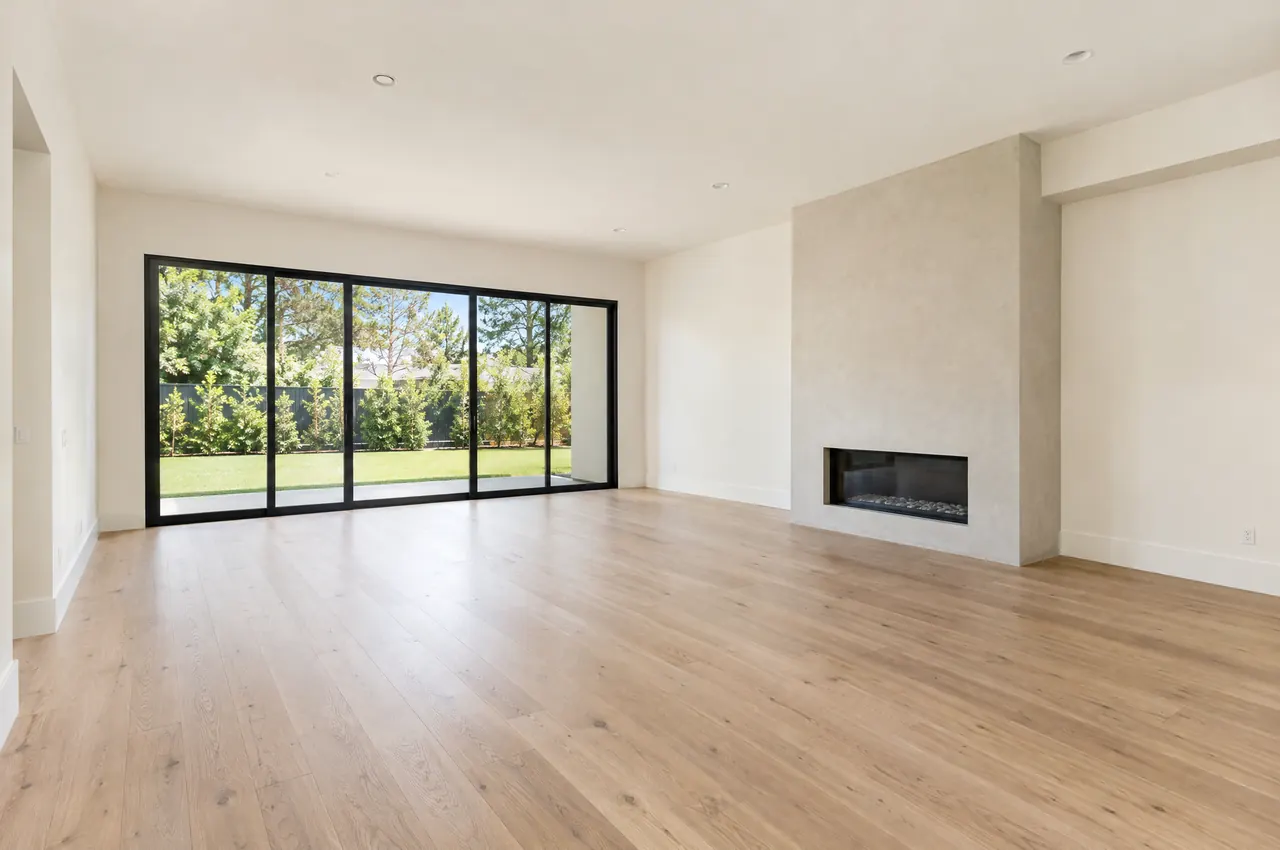
Stage the empty room. Turn the day shot into dusk.
Agents fix listing photos themselves in the Photo Studio, and every result opens with a before and after divider so nothing goes out unchecked.
Included on every plan. 14 days free on Core, no credit card required.
Drag the divider. See the difference.
Virtual staging furnishes an empty room; virtual twilight turns an afternoon exterior into dusk. Both open with the same divider every edit in the app uses, so agents compare like for like before they keep anything.
- Virtual staging, twilight and sky replacement
- Declutter, object removal and photo expand
- Lighting fix, enhance and upscale up to 4K
 Digitally altered
 Digitally altered
 Digitally altered
 Example photos generated with AI for this page. In AgentBlitz, results depend on the original photo, and the original stays one click away.
Headshots that match the brand.
Agents can replace the background of a headshot and retouch it in the same studio, so the portrait on every design, signature, business card and website looks like it was taken on the same day.
- Studio, office and neutral backgrounds
- The retouched portrait flows to every template at once
- The original stays on file

The agent is fictional and the portrait was generated with AI.
Labeled, with the original one tap away.
Every photo the AI tools alter carries a small label and a page that shows the unaltered original. Agents can add a QR code or link on a design, or paste the link into a caption or the MLS photo description.
- Labels appear on designs, videos, listing websites and downloads
- Listing websites show the original next to the altered photo
- Required in California for digitally altered photos in ads (B&P 10140.8)
These tools support your review process. They do not make an ad lawful on their own: your brokerage remains responsible for following your MLS rules and state law.
Three steps, before and after.
-
Pick a photo
Open any listing photo or headshot in the Photo Studio. Each edit shows how many AI credits it uses before you run it.
-
Choose the edit
Virtual staging, twilight, sky replacement, declutter, object removal, lighting fix, upscale, or a new headshot background.
-
Compare and keep
Every result opens with a before and after divider. Keep it, run it again, or discard it. Kept photos join the listing with the altered label attached.
Related
Questions, answered.
Which edits are labeled as digitally altered?
Photos the AI tools stage, declutter, remove objects from, replace the sky in, convert to twilight or expand carry a small "Digitally altered" tag on designs, videos, listing websites and downloads, and each one gets a page that shows the unaltered photo. Lighting, color and sharpness adjustments are not labeled. Agents can label photos edited elsewhere the same way.
What do the edits cost?
Photo edits use AI credits. Every plan includes credits for each agent every month (10 on Core, 20 on Pro), pooled for the whole brokerage, and credit packs are available any time. Writing tools do not use credits.
Can we use these photos in the MLS?
Many MLSs allow virtually staged and edited photos when they are clearly labeled, and some also require the original. The label and the link to the original cover both. Your brokerage remains responsible for following your MLS and state advertising rules.
Give every agent a marketing team.
Set up your brokerage, invite your agents and launch your next listing today.
14 days free on Core. No credit card required.